For WhatsApp group admins
WhatBoss removes spam from your WhatsApp® group.
Describe spam in a sentence or list the words to watch. WhatBoss checks every message, deletes the spam and removes the sender. You see every match in a private report.

- Free in early access
- No card
- Nothing for members to install


Product demo
 wa-admin.app/dashboard
In your group
Animation: a stranger posts a scam link in a group chat. The message goes to the WhatBoss server, which marks it as spam. The message is deleted and the sender is removed from the group.
- 1
Spam lands
A stranger posts a scam link in your group.
- 2
WhatBoss reads it
The message goes to our server for a check.
- 3
Blocked
Your rule says spam, and the verdict goes back.
- 4
Sender removed
The message is deleted and the spammer is out.
The problem
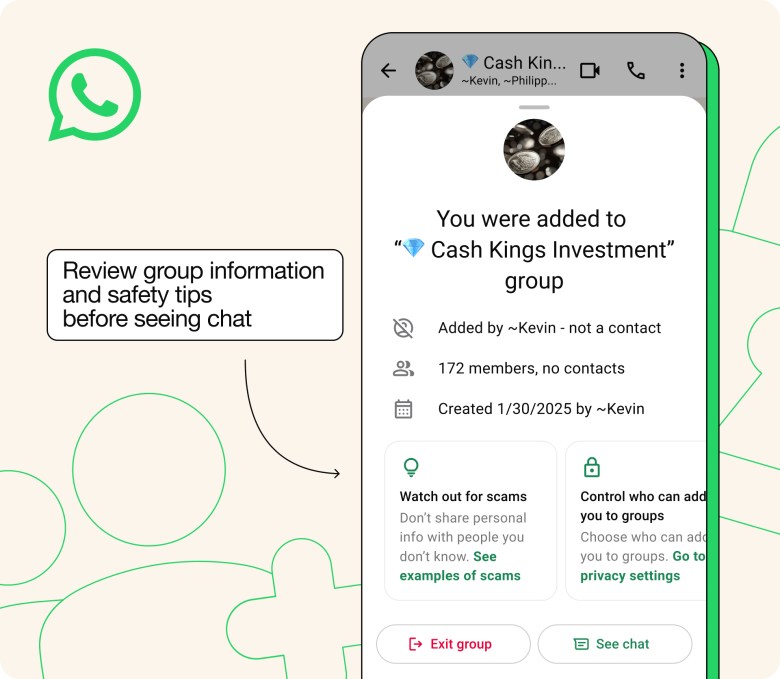
Scam accounts reach groups by the million
6.8 millionaccounts linked to scam centers were banned by WhatsApp in the first six months of 2025.
The ones that still get into your group are yours to clean up. WhatBoss does that cleanup from one rule.
Source: Meta Newsroom, August 2025
Why
Only AI can fight AI spam
Spammers use AI to reword every message, so a fixed word list falls behind. WhatBoss reads each message with an AI model and with your own rule.
- 24/7
Always on
WhatBoss watches the group day and night, when no admin is online.
- < 10 s
Fast verdict
Every AI check has a hard deadline of under 10 seconds.
- AI + words
Your rule
Describe spam in one sentence, list exact keywords, or use both.
How
Start with one WhatsApp number
- Free
Bring your own number
Use a fresh WhatsApp number that you own. Scan one QR code and it supervises your group.
- 1 day free
Use our WA-Admin number
We add a WhatBoss supervisor number to your group. Nothing to buy and nothing to pair.
Pick a number
Sign in with Google. Bring your own number or ask for ours. An operator approves it.
Add it to your group
Scan its QR code, add it to your group and make it an admin. The group connects by itself.
Write a rule
Describe spam or type a keyword, pick what a match does, and approve the change in the group.
You write the rule once. WhatBoss checks every message in the group and keeps only the ones that match.
Security and privacy
Only a rule match is ever kept
Google sign in
You sign in with your Google account. WhatBoss never holds a password for you.
Proof inside the group
A group shows up for you only after WhatBoss is made an admin there while you connect it.
Ordinary messages are discarded
A message that matches no rule is dropped right after the check.
Excerpts expire
Your report shows a short excerpt of a flagged message for 24 hours.
Encrypted evidence
Flagged text is encrypted. Uploaded evidence is scheduled for deletion after 365 days. Photos and files are never stored.
Checked on the server
Every request is checked against your verified groups on the server. A browser cannot grant itself access.
Pricing
Free while WhatBoss is in early access
Early access
US$0
No card. Our number is free for one day; your own number stays free. Paid plans are not open yet.
Questions
Before you connect a group
Is WhatBoss made by WhatsApp?
No. WhatBoss is an independent service. It is not affiliated with WhatsApp or Meta.
Can I bring my personal number?
Bring a fresh number that you use only for this. A linked device can read that account’s messages, and WhatsApp may restrict an account that uses one.
What does WhatBoss keep?
A message that matches no rule is discarded after the check. For a match, the flagged text is kept encrypted for one year, and your report shows a short excerpt for 24 hours.
Who can read a group’s report?
Only verified admins of that group. Read the privacy notice before you connect a group.
Can it remove an admin?
No. WhatBoss never deletes a message from a group admin and never removes one. A removal is marked confirmed only after WhatBoss checks that the member is gone.
Can a rule get it wrong?
Yes. A keyword can match a message you wanted to keep. Start with Record match, read the report, then switch to delete or remove.
How do I stop?
Remove the supervisor number from your group. WhatBoss can no longer see or act on its messages.
How do I reach support?
Email support@wa-admin.app.
Connect your first group
Sign in with Google and write one rule. Start with Record match and see what it would catch.